


What is worker guidance?
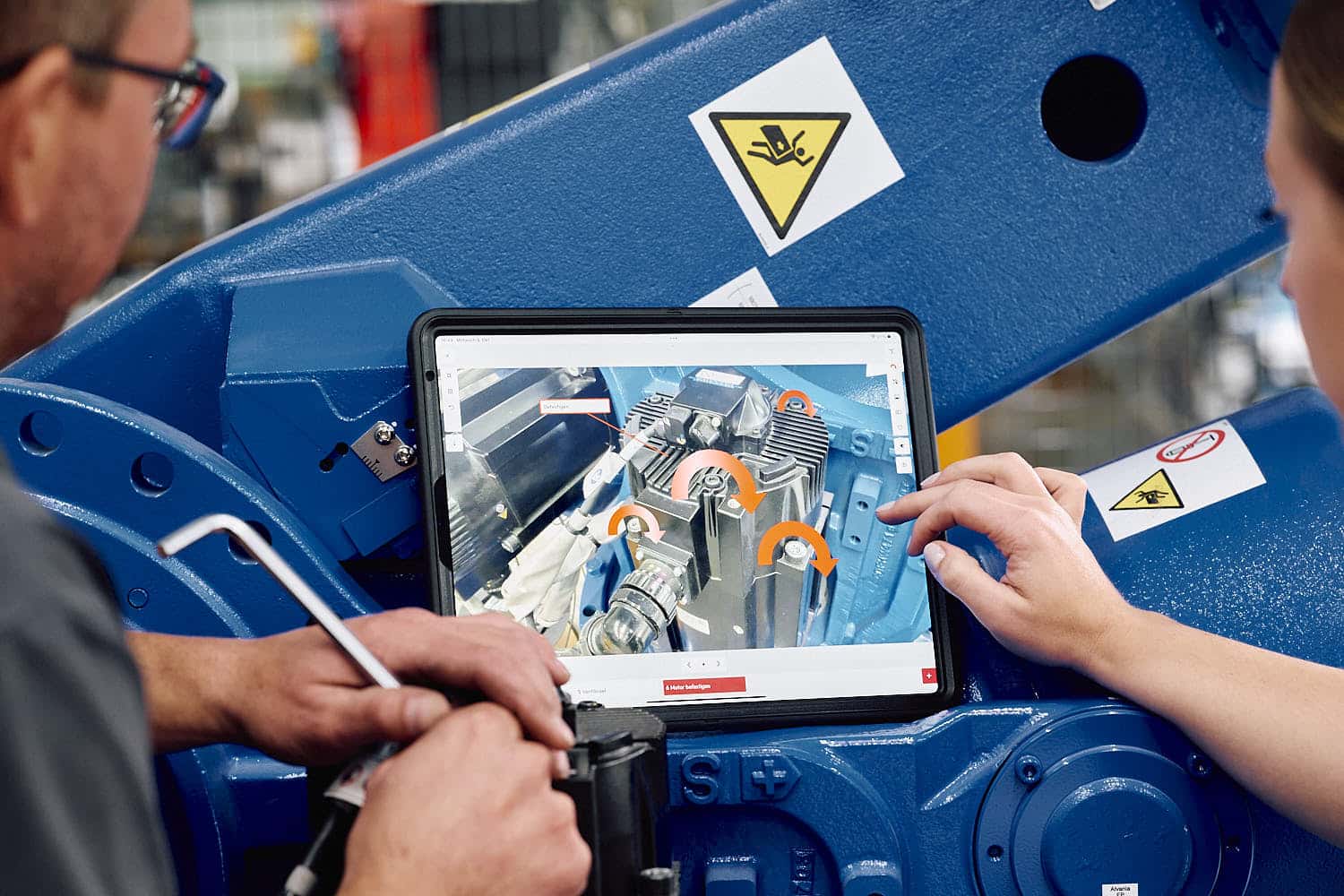
Digital worker guidance
In the overall package of quality management, optimized worker management is initially just a detail – but one of great importance. In a somewhat broader sense, in relation to the entire company, we also speak in this context of the employee information system. This ensures that existing knowledge is always immediately available when it is needed. It is part of the distribution of knowledge and the conversion of implicit into explicit knowledge. (internal LINK to the text Knowledge assurance)
Digital work instructions for the perfect workflow
The more complex a workflow is, the more important it is to have concrete specifications for each individual step. There is not always an experienced team member at every machine, and not everyone has the same knowledge of processes within production. However, for an optimal workflow, there must be no stagnation, which is why you need quickly available instructions at the central points.
Contact us now for an initial consultation.
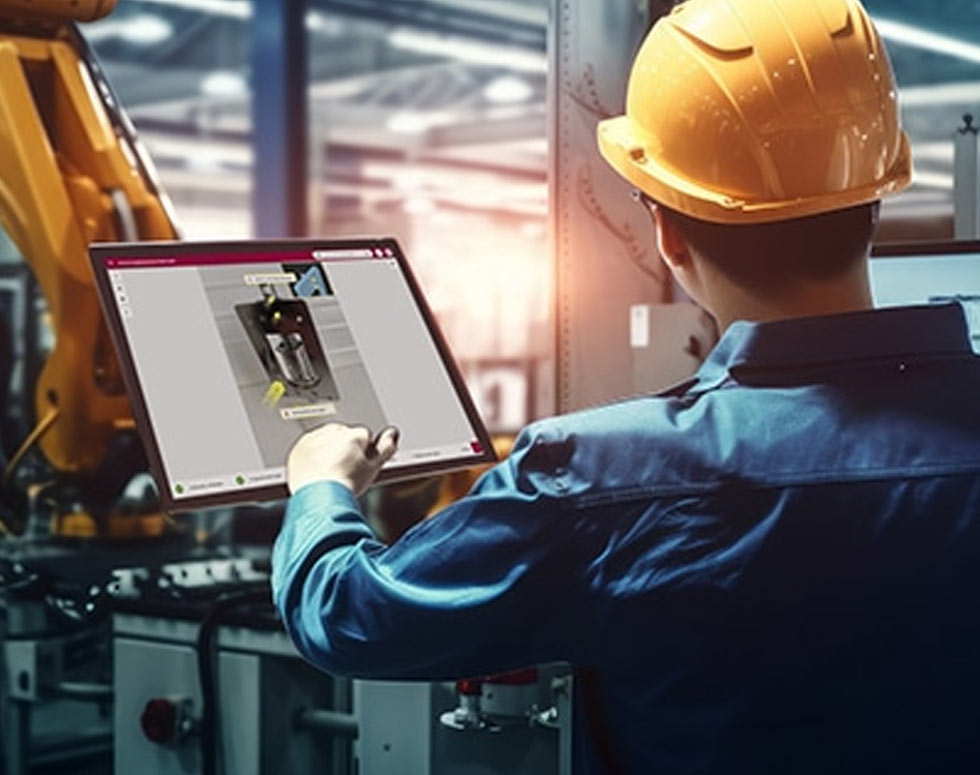
Process assurance is very simple – with the tepcon “instructor” worker assistance system.

Your tepcon team
Telephone: +49 771 8983 278
E-Mail: contact@tepcon.de
Appointment: Book now

What are worker assistance systems and worker guidance systems?
In professional circles, there are many terms that often mean the same thing or are at least very similar in meaning. This also applies to the terms worker guidance, worker guidance system and worker assistance system. They are often used synonymously, i.e. with the same meaning. This usually refers to special software that provides visual instructions for the workplace. These are often assembly workstations where many different, clearly defined processes are carried out. These processes can be well structured and the worker guidance helps to guide trained or less trained workers through the entire process.
Which areas particularly benefit from a worker guidance system?
Digitalization has revolutionized work across all industries in recent decades. Worker guidance systems such as the tepcon instructor are flexible and adaptable, which is why they can be used in a wide range of industries. This is demonstrated by the numerous user examples that tell of the success of our digital assistant.

Types of digital worker guidance
Digital software platforms

Workplace systems
The physical environment is adapted so that the work steps can be carried out efficiently with the help of digital instructions.

Portables
Ambient conditions etc. can be recorded and logged via sensors, which can form the basis for future process optimizations.
Advantages of digital worker guidance
Assistance systems for workers simplify processes at every level and ensure error-free and more efficient workflows in the company.
Low documentation effort
The software enables automatic logging during work execution, which drastically reduces the amount of documentation required. Less or no personnel need to be assigned to necessary documentation, yet the amount of data collected often increases and provides more analyzable information for quality management.
01
02
Less work preparation
A short induction is sufficient thanks to the easy-to-understand instructions. This will save you time and personnel during the induction phase for new staff as well as for replacements and similar changes.
Error-free processes
Complex issues are explained precisely with step-by-step instructions. Ambiguities are eliminated. Additional information can be called up if required.
03
04
Relief for employees
Existing pressure on employees is minimized by digital work support and motivation increases thanks to a sense of achievement. The information available at all times also conveys a sense of security.
100 % transparency
By sharing the system between workers and colleagues in planning and scheduling, there is maximum transparency about the order situation. Worker management makes an uncomplicated contribution to the distribution and safeguarding of knowledge within the company.
05
See us in action for yourself
Watch the recording of our presentation “Securing knowledge – strategies against the head monopoly” at the EMO Innovation Stage 2025 here:

Why the worker guidance system from tepcon?
The customer benefits are immense and will bring you countless advantages for your company that will pay off in a very short time.
- Quality improvement
- Productivity increase
- Securing know-how
- Transparency of processes
Step by step to digital worker guidance
The user-friendly software for creating work instructions allows you to create work instructions with little training…

Step by step to digital worker guidance

Insert images & texts

Integrate symbols

Use player mode

Follow the work steps

Work through checklists
About tepcon: We stand for trust and expertise

Why are we here?
Trust is important to us because it is one of the values that basically stand for a win-win situation and thus create the basis for successful long-term cooperation.
We make technological change practicable for you.
Our experts will look after you for many years, because we value a trusting cooperation that grows through long-term relationships. We enjoy the trust of many satisfied customers. We are sure to have a suitable solution for you too: contact us, we look forward to hearing from you!