Administration
Thanks to its flexible configuration, the instructor can be perfectly adapted to your requirements and working methods


- Shapes
- Tools
- Day administration
- Dashboards
- Users
- Team roles
- Organizational chart
Shapes
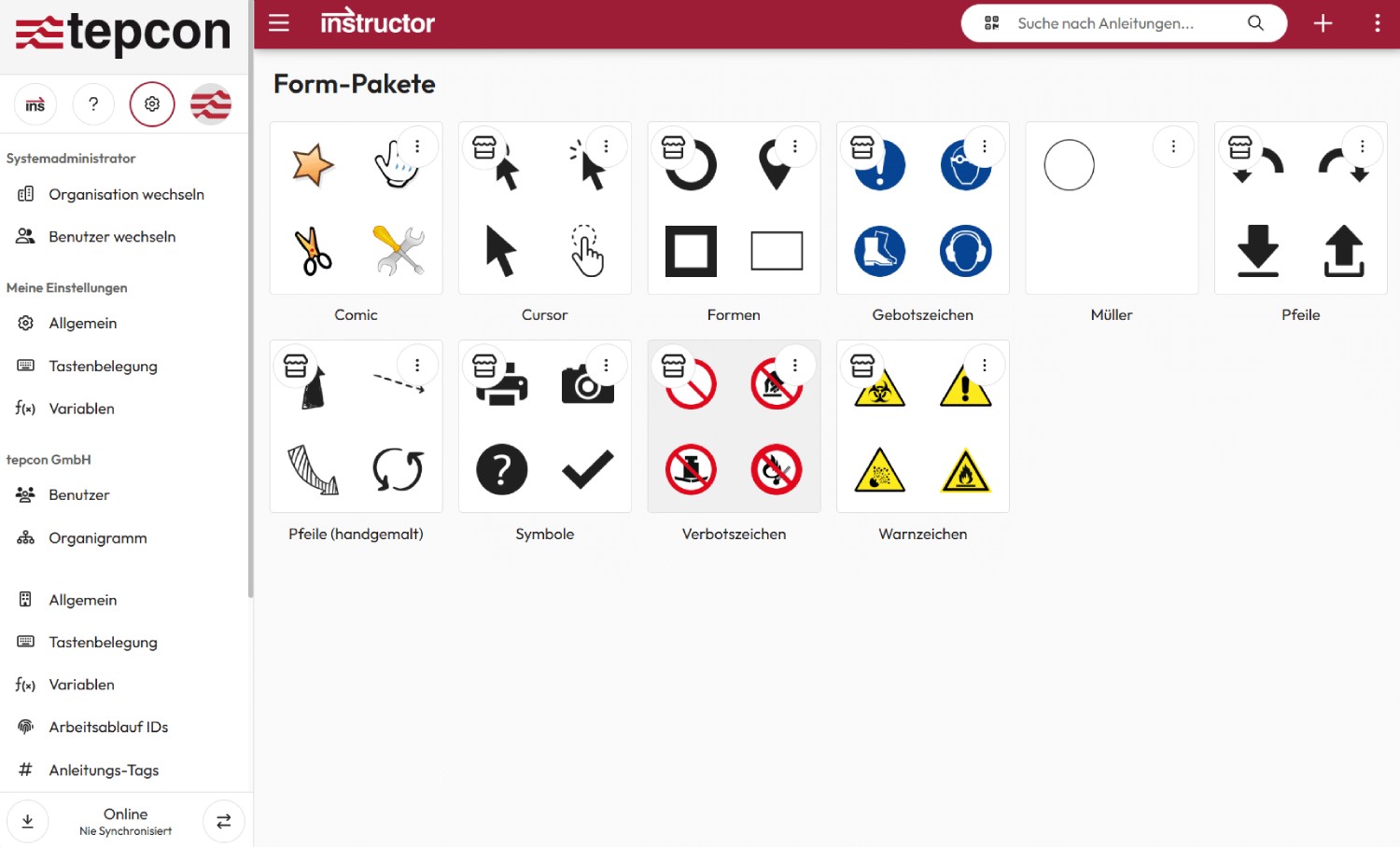
The shapes allow you to centrally manage all symbols used to label handles in step diagrams. A reduced and targeted selection of symbols ensures uniform, easy-to-understand work steps.
In addition, mandatory, warning and hazard symbols can also be conveniently organized using the forms.
Tools
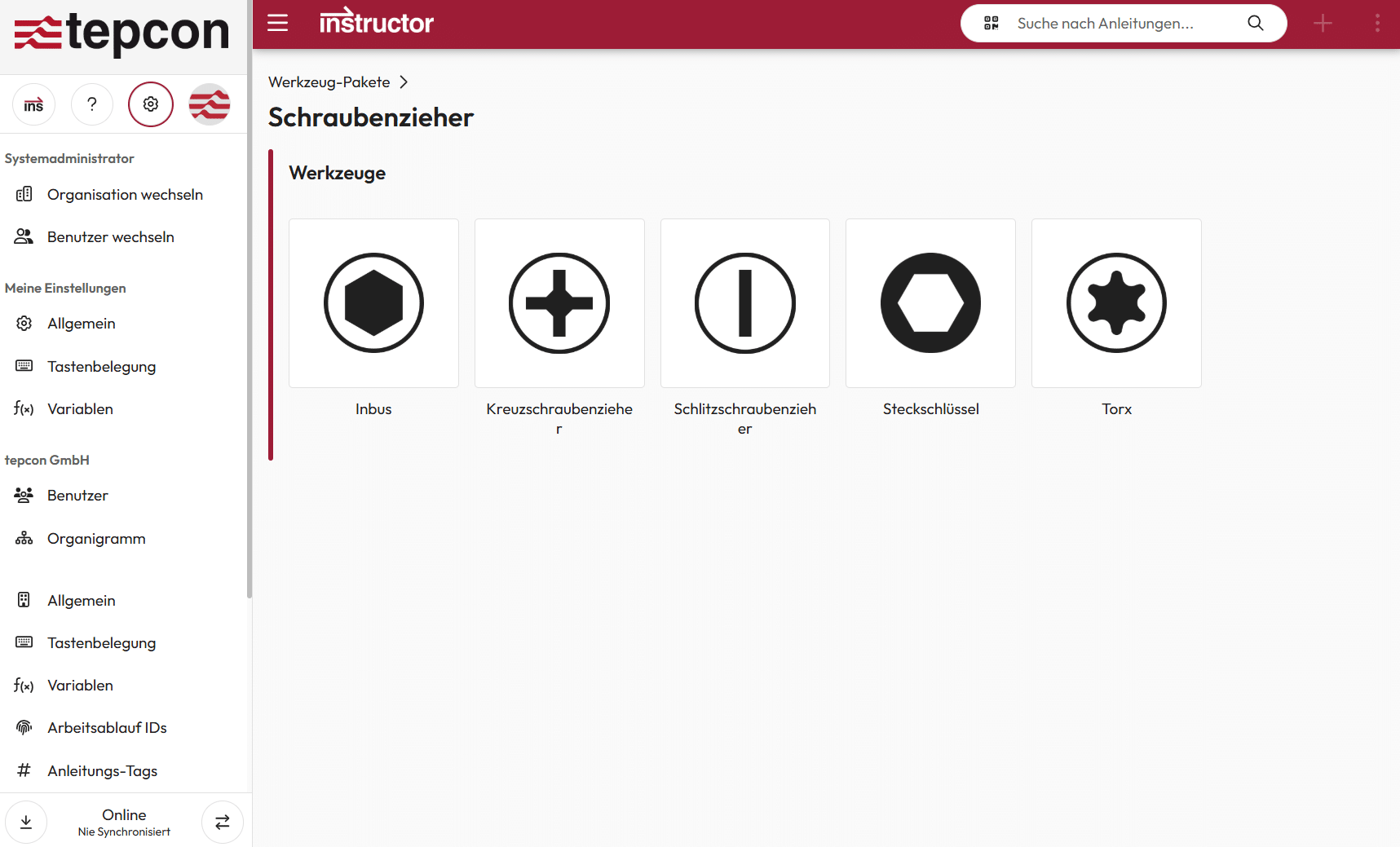
With tool management, you can record and organize all the tools used in the company, including their different sizes and versions.
This eliminates the time-consuming search for the right tool – and your employees are guided efficiently and specifically through the work steps.
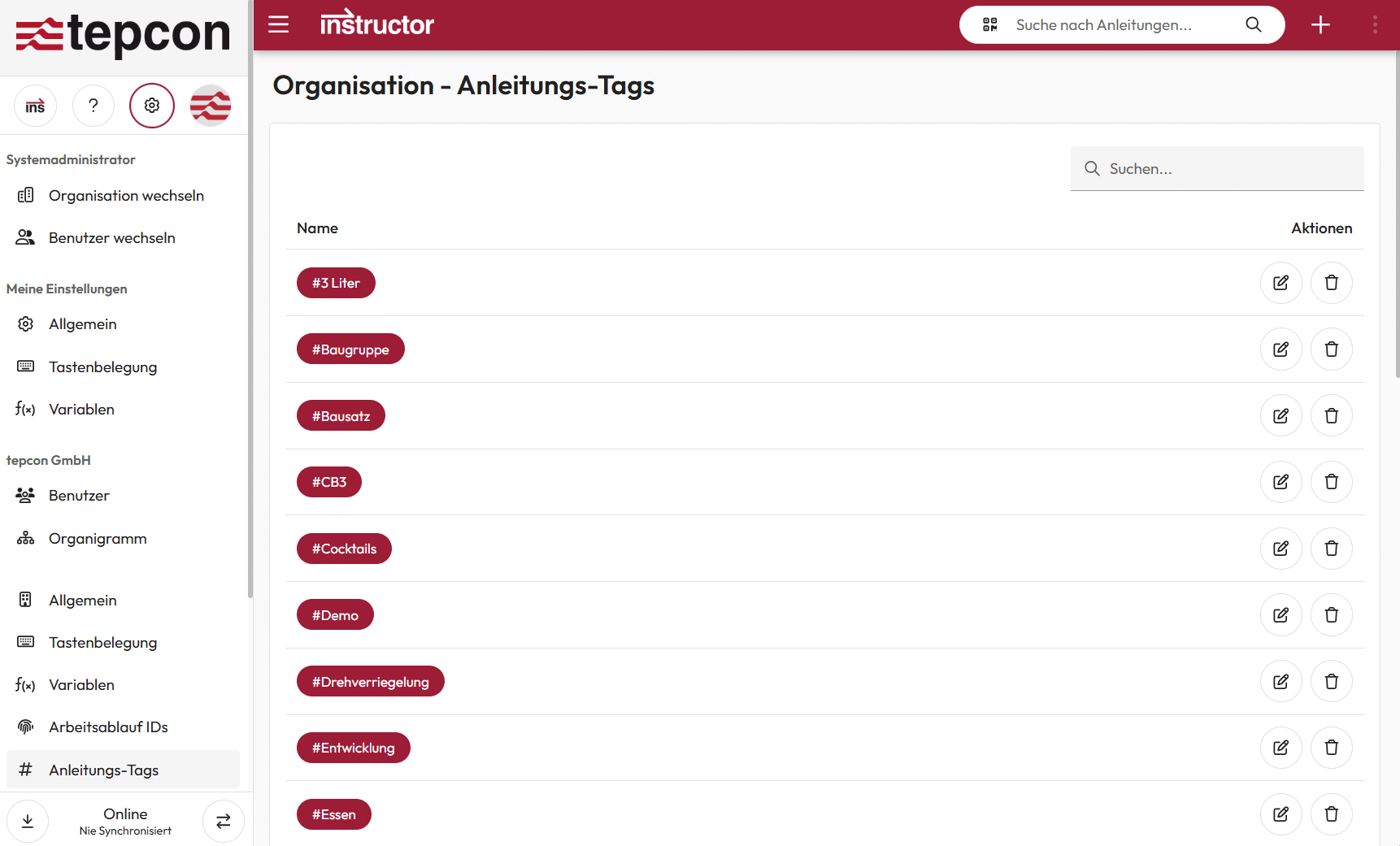
#Tag administration
With tag management, you can ensure uniform labeling of your instructions. This allows you to find relevant content more quickly and store the instructions in a flexible and structured manner.
Configurable dashboards
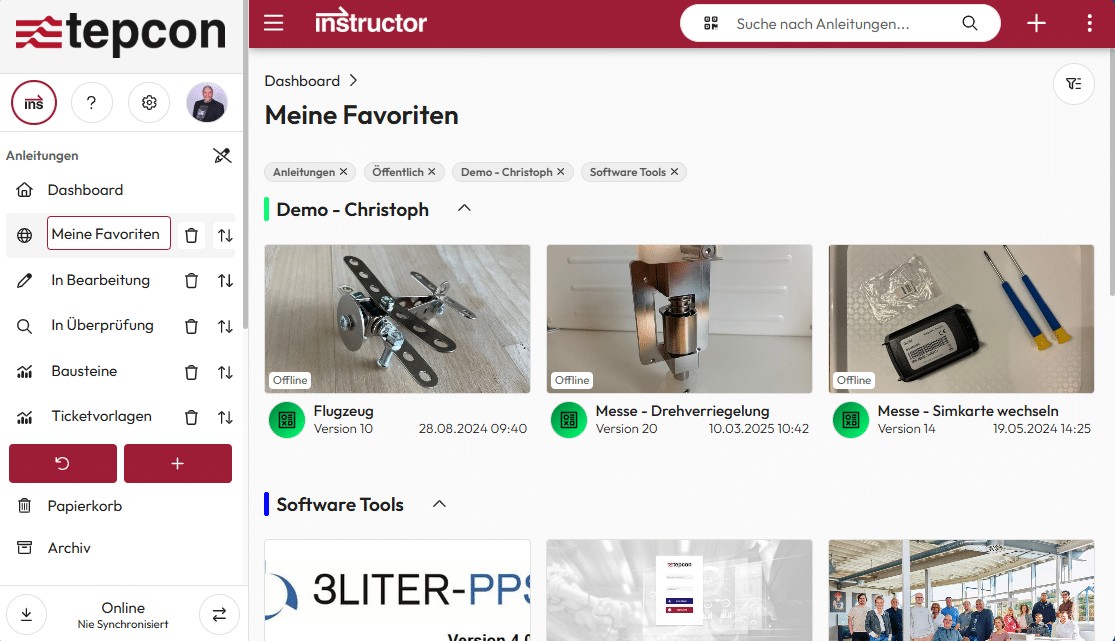
With the configurable dashboards, users can design their own personal view – according to their needs.
Instructions can be flexibly filtered, sorted and grouped so that everyone can work in a way that is optimally adapted to their individual way of working.
Users
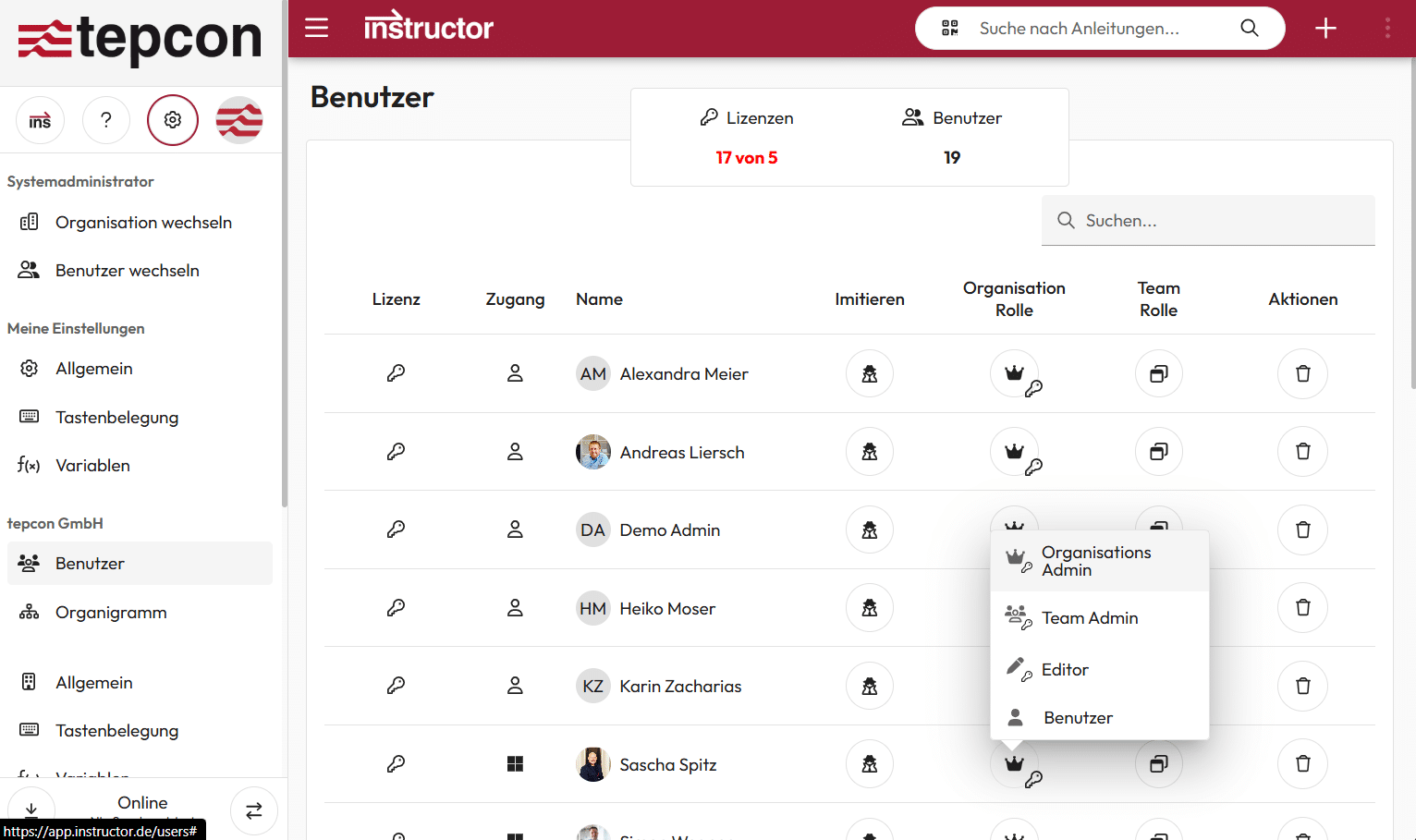
In addition to local user administration, central directory services such as Microsoft Active Directory (AD) or Microsoft Entra ID can also be integrated – for convenient single sign-on (SSO)
Individually assignable roles can be used to control who is allowed to create or administer teams within the organization.
Team roles
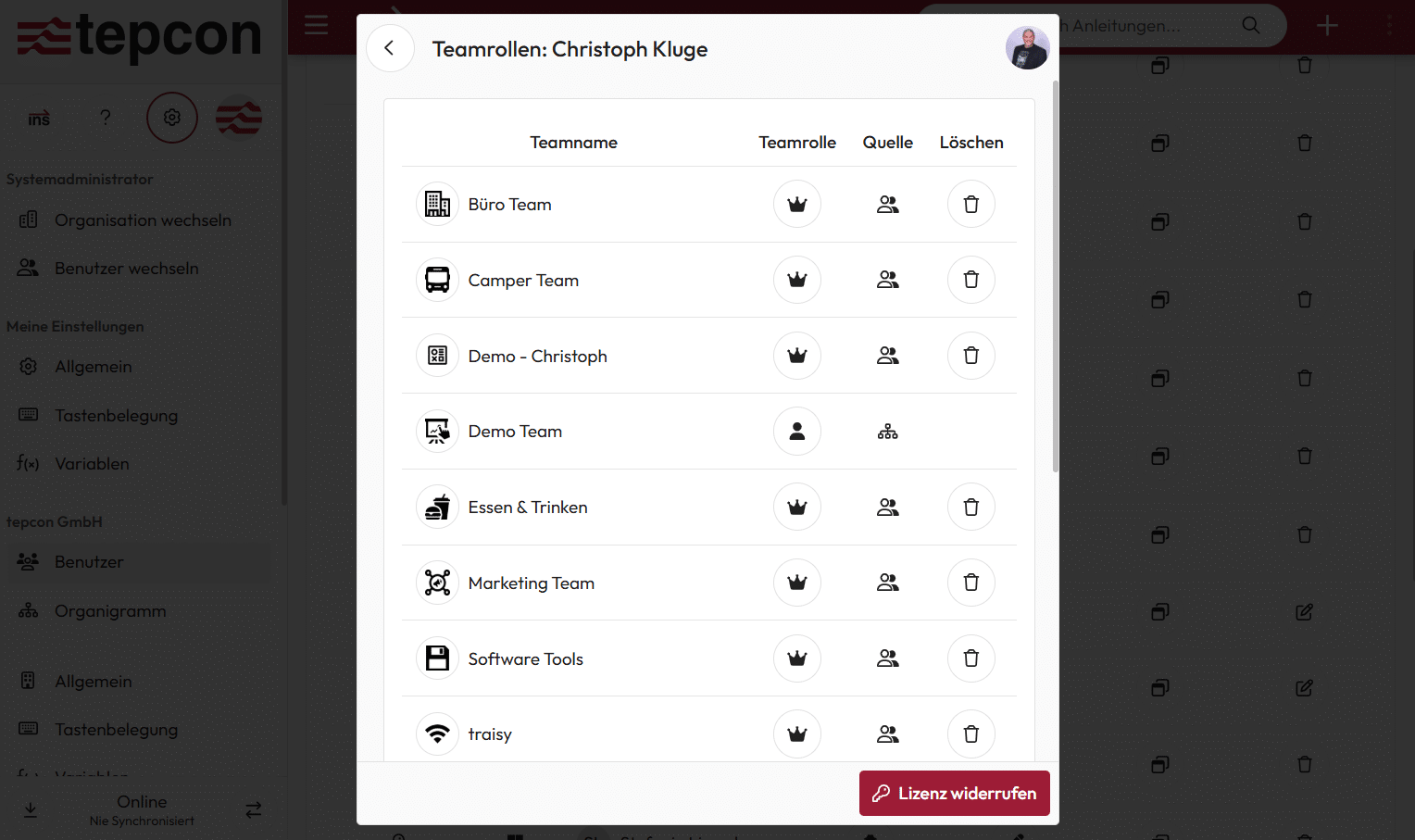
The teams can be used to organize instructions clearly and control access in a targeted manner.
Within a team, it is determined who is allowed to create, approve or use instructions – for a clear allocation of roles and maximum control.
Organizational chart
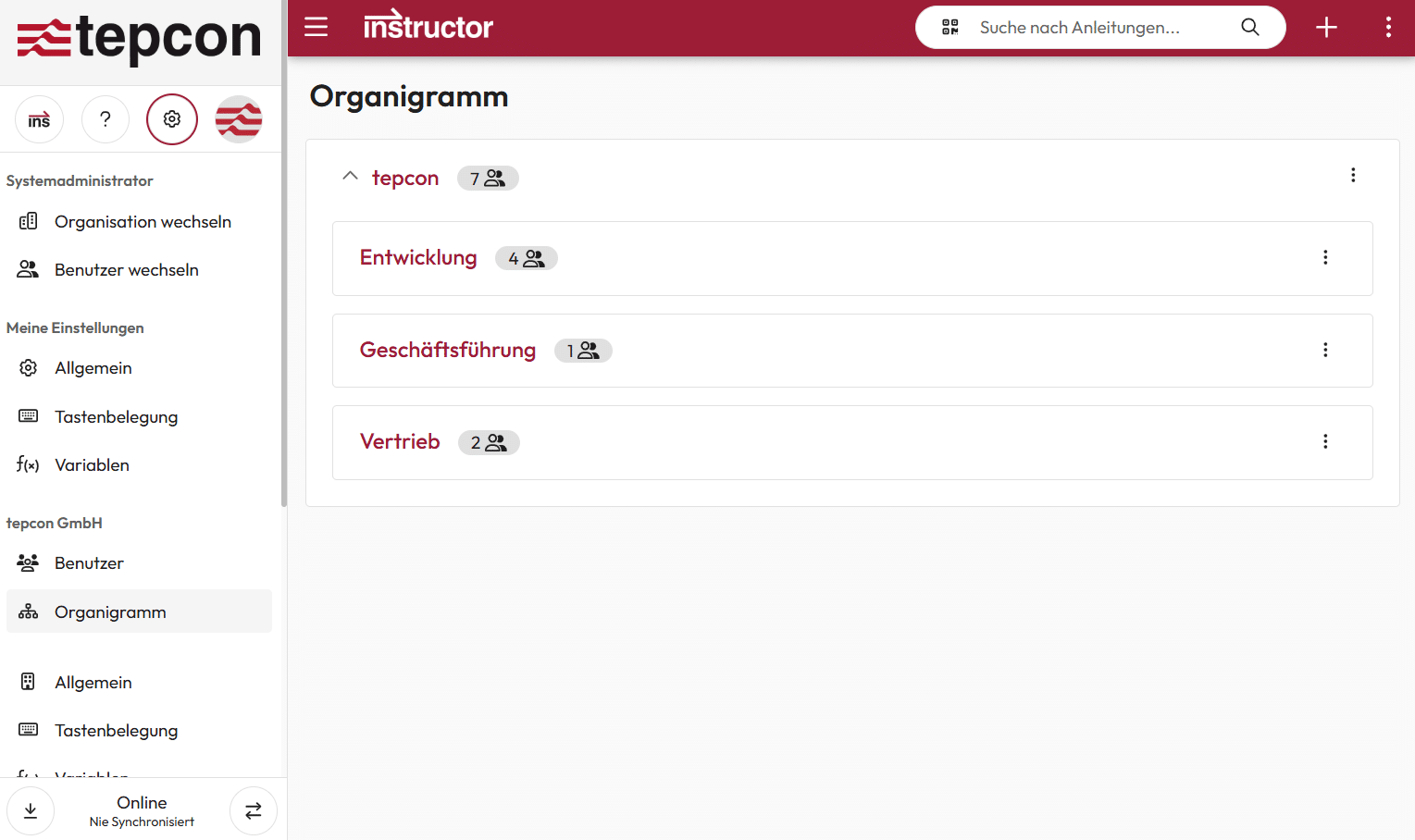
Users can be grouped into organizational units and managed centrally via an organization chart. This eliminates the time-consuming manual assignment of individual users to teams.
Instead, teams can be specifically assigned to entire organizational units – for simple, fast and scalable management of large organizational structures.